Windows 10 假更新
像素級重現的 Windows 10 更新畫面,百分比慢慢爬。在別人去喝咖啡前打開效果最好。
Working on updates 8% complete.
Don't turn off your PC. This will take a while.
Your PC may restart several times
點任意處或按 Esc 退出
02 / 用途
怎麼使用
Three steps. One panel. Done in under a minute.
-
01 / 03
打開全螢幕
按下全螢幕按鈕或鍵盤 F11,讓畫面鋪滿整個螢幕。
-
02 / 03
微調設定
換顏色、切預設,或把 HEX 複製起來備用。
-
03 / 03
存檔或分享
依螢幕解析度下載 PNG,或分享網址。
03 / 你可能也會喜歡
你可能也會喜歡
與這個畫面相近的其他選擇,挑一個現在順手的。

PRANK 惡作劇
黑色當機畫面
BSOD 的新親戚,更讓人摸不著頭緒。幾乎沒有文字,只有閃爍的游標——最適合那短短一瞬不安的沉默。
PRANK 惡作劇
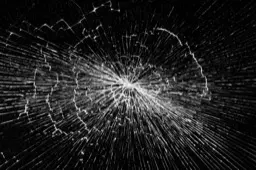
破裂螢幕
看起來像真的裂痕,直接畫在玻璃上。適合做短影片、合成照,或一個有點壞的愚人節玩笑。
PRANK 惡作劇
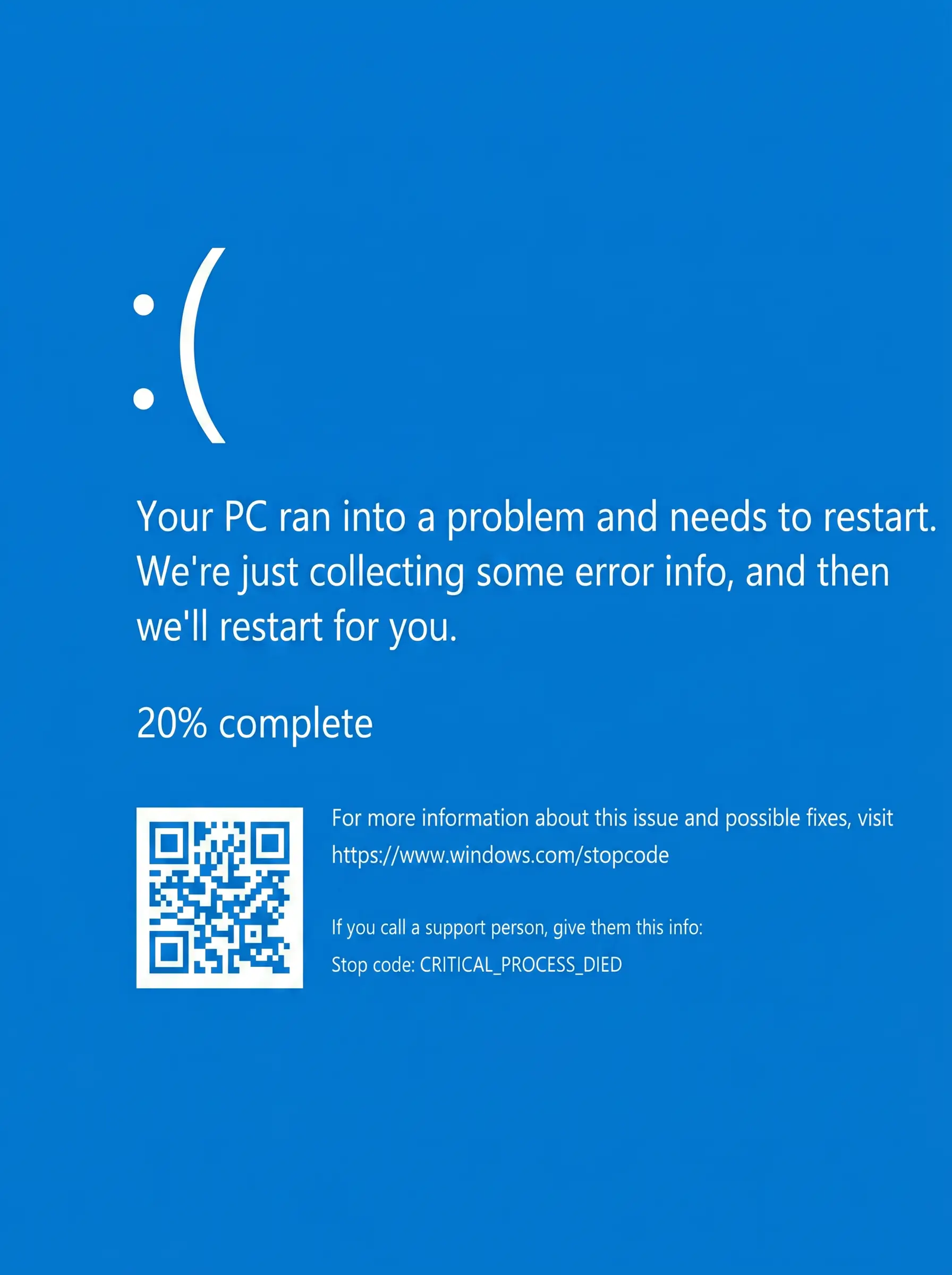
藍色當機畫面 (BSOD)
像素級重現的 Windows 藍當機。離開朋友筆電前先打開。點任意處可離開——這個就先別告訴他們。

PRANK 惡作劇
雜訊(白噪)畫面
閃爍的雜訊畫面,可選擇要不要音效。重現老電視的雪花、填補拍片現場的寂靜,或玩個最復古的小玩笑。
PRANK 惡作劇
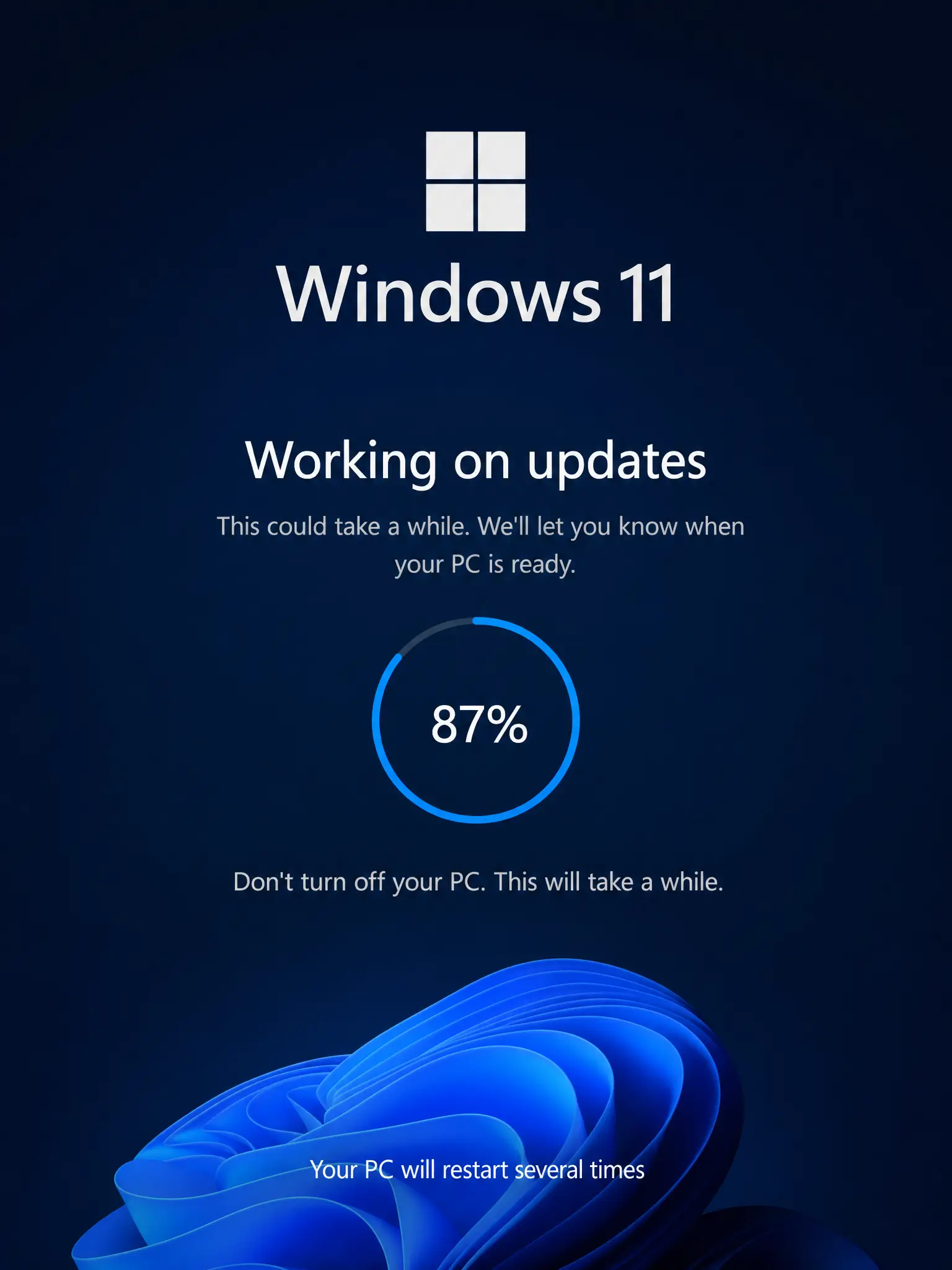
Windows 11 假更新
更乾淨、有圓角的 Windows 11 更新畫面。百分比一樣慢,只是恐慌變得更現代。
★
#000000 專注與放鬆
黑色畫面
純黑,所有像素關閉。可以讓眼睛休息、遮住第二台螢幕、為 OLED 省電,或檢查螢幕漏光。
★
#635BFF 設計
自訂色彩
輸入任意 HEX、用滴管取色,或用色相環微調。可輸出 4K、2K、1080p PNG。
★
TOOL 專注與放鬆
翻頁鐘
適合放在第二台螢幕的懷舊翻頁鐘。安靜、全螢幕,看著莫名療癒——適合深度工作或睡眠計時。